| ART SHOW: ART SHOW SALES
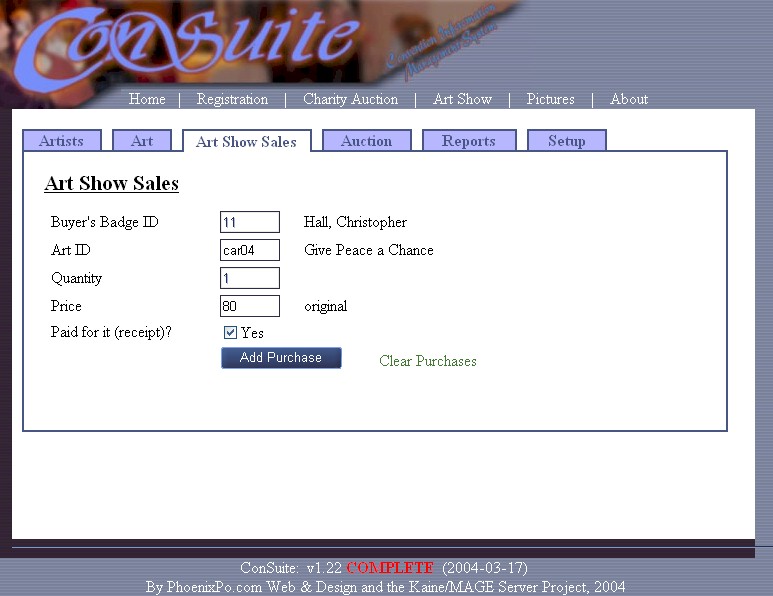
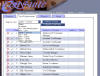
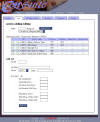
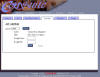
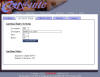
This is a simple screen, but it does the bulk of the work at the
convention. You put in a buyer's badge ID and the page comes back
with the buyer's name. Notice the box is then grayed out.
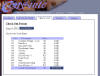
This is because ConTrak will remember that buyer's purchases this
session; you can print a receipt for all art bought by the buyer for
this session (as long as the "receipt" check box is checked, it will
appear on the receipt). If you choose not, the person can still
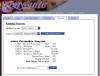
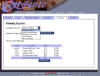
"check out" and you can print a receipt for that person later.
Look under "Reports" for this.
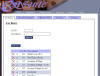
You then put in the "art ID". I originally had this as a
drop-down list, but it was a lot more convenient (read: faster)
for users to enter the art ID instead of picking it from a list.
The quantity is usually one, and this does not change except when
something is sold from the print shop.
The price usually remains the same, but is available here to check
the price with what everyone is charging. It also serves as a
convenience if the artist sells something at a discount to a particular
person. |