 |
ART SHOW: REPORTS: ATTENDEE CHECKOUT
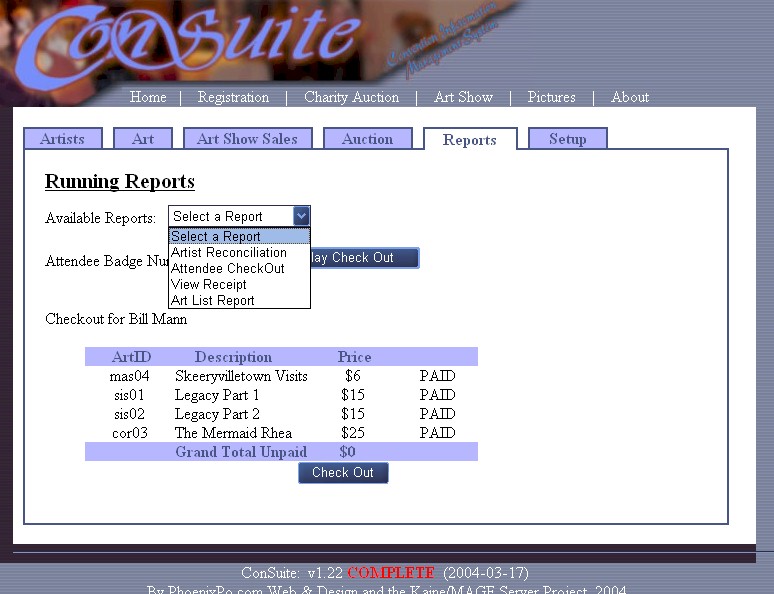
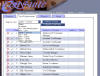
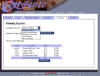
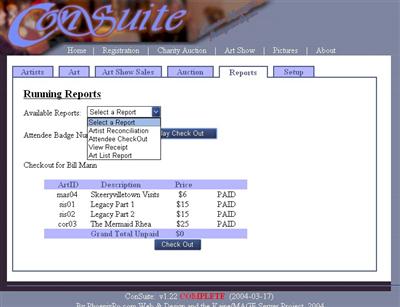
I didn't want to show the other reports, so I dropped the "Available
Reports" list down to show what other reports ConSuite offers.
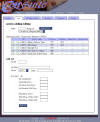
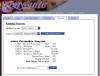
In this example, you enter an attendee's badge number (located behind
the dropped-down list) and the attendee's purchases are displayed.
If the attendee has not purchased something, "PAID" will be replaced by
a check box and "$0" will be replaced by the grand total of items not
paid. Simply check which items the attendee is paying for, click
"check out", and a receipt will be created. The receipt
information will also be stored so you can print the receipt out later
or check it for discrepancies at a later time. |