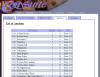
| AUCTION: AUCTION TIME
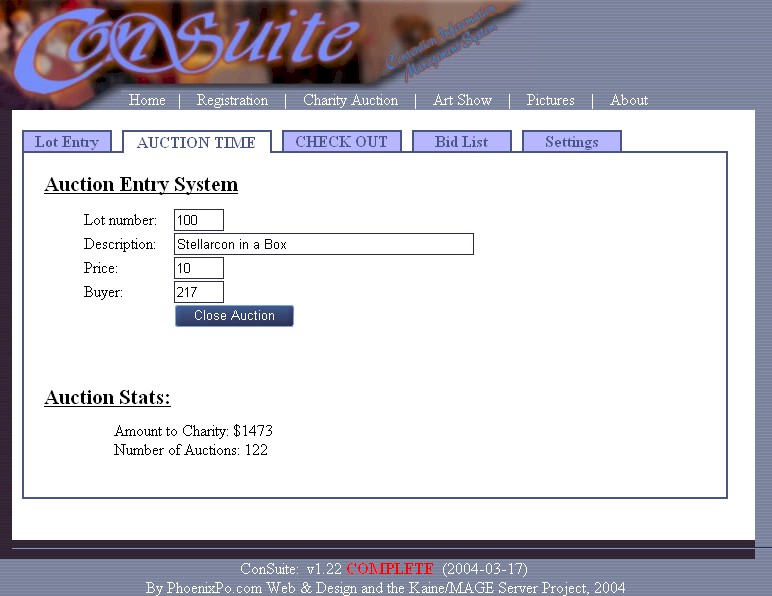
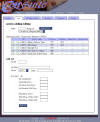
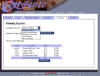
For lack of a better name, I called this tab "Auction Time".
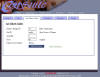
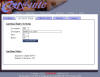
You put in a lot number, the lot description pops up (you can modify it,
too) and you put in the price it went for and the buyer's badge ID.
You then click "close auction" to record the win.
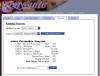
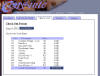
Notice the "Auction Stats" are also displayed at the bottom of the
screen.
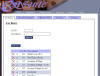
Now, the client convention I worked with wanted lots in this auction,
though it didn't work. When it didn't work, I told the auctioneer
to forget it and just auction stuff off. I programmed a feature
where you can enter a lot number here, and if there's no description,
you can add one; the new lot will be created and sold when you submit
the form.
Since we dropped the lot idea, I brought up Visual Studio .Net and
began reprogramming ConSuite during the auction! I was
keeping track of lot numbers, checking people out, and recording who
bought what for how much. There was only about half a minute
during each auction I could work on reprogramming the system.
After about six minutes, I paused the auction and tested my changes to
ConSuite; they were perfect. Doing stuff like this gives me the
ultimate thrill; I even scared the cashier half to death when I did it!
My most fond story of the convention. |